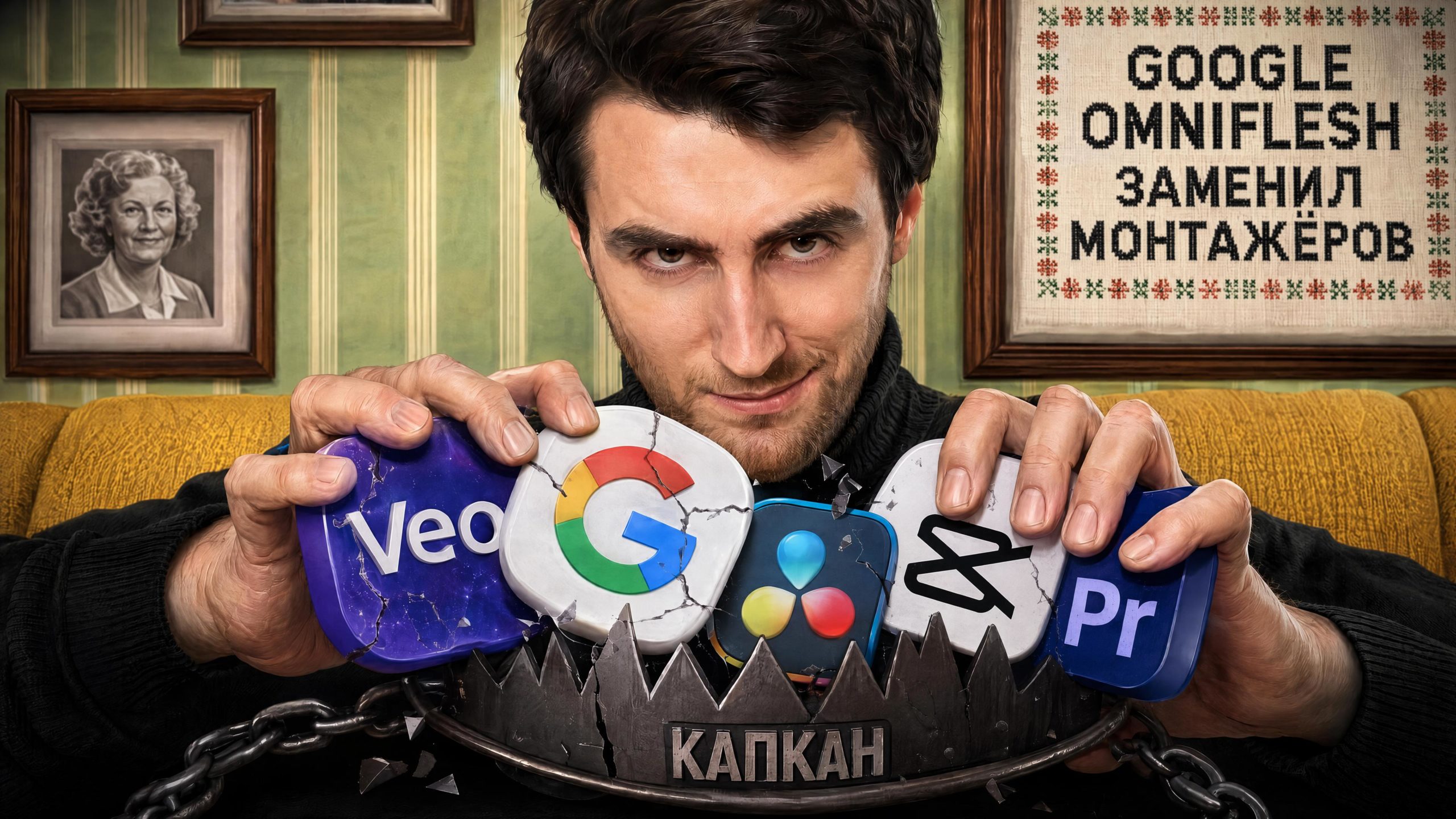
Google Omni Flash (Veo Omni Flash) — новая нейросеть от Google, которая умеет не только генерировать видео, но и МОНТИРОВАТЬ готовые ролики. Вступление к этому видео смонтировала она сама.
В этом обзоре тестирую Google Omni Flash по 5 параметрам: генерация из текста, динамичные сцены с драками, UGC-ролики с товарами, 3D-мультик в стиле Pixar и главное — нейросеть для монтажа коротких роликов и Reels.
Разбираем честно: где Omni Flash сливает Seedance 2.0, сколько стоит генерация в токенах, почему не надо генерить в 4К и какие ролики она отказывается монтировать. Плюс показываю, как получить доступ к Google Omni Flash из России без VPN и без зарубежной карты — через SYNTX, где все нейросети работают по одной подписке.
Если ищешь нейросеть для монтажа видео и Reels — этот ролик даст понять, стоит ли Omni Flash своих денег уже сейчас.
УНИВЕРСАЛЬНЫЙ ПРОМТ ДЛЯ МОНТАЖА КОРОТКИХ ВИДЕО:
Transform this raw talking-head video into a premium, viral-quality social media reel with high-retention editing, cinematic motion graphics, and modern creator-style visuals.
Top priority, non-negotiable: the original audio and its exact pacing, timing, and speed must remain completely unchanged — no pauses, freezes, holds, slow-downs, or speed changes anywhere in the footage. Every other instruction in this prompt (text animations, camera moves, transitions, B-roll, pacing of cuts) is secondary and must be adapted to fit within the original unaltered timeline, never the reverse. If any effect would require slowing down, pausing, or extending the footage, simplify or skip that effect instead of changing the timing.
Keep the original speaker, original audio, and original clothing completely unchanged — do not alter, recolor, or modify the subject’s appearance, clothing, or skin tone in any way. Preserve the exact video footage as-is and only add editing layers on top; also change camera angles, from high angles and low angles, from left and right.
Caption design should be a major visual element, not simple subtitles. All on-screen text and captions must be in Russian, matching the exact words spoken in the original audio. Use the following transcript as the authoritative source of the spoken words — do not transcribe the audio yourself, do not invent, alter, omit, or guess any words; use only the text provided below, in the exact order given, synced to when each word or phrase is actually spoken:
[ВСТАВЬТЕ ВЕСЬ ТРАНСКРИПТ]
Use bold cinematic typography where important words become oversized design elements on screen, but never sacrifice text accuracy or readability for visual effect — only one layer of emphasized text should dominate the screen at a time, so the captions stay clear and easy to follow. Create layered text compositions with foreground and background typography. Key phrases can appear behind the speaker, partially masked by the subject, creating depth and a premium 3D look.
Typography Style: Large editorial fonts, luxury cinematic typography, mixed font weights, layered text compositions, kinetic typography, motion-tracked text, depth and parallax effects, premium 3D text treatments.
Color Style: Extract colors directly from the video footage and build the entire typography and graphic palette around the scene. Use mainly bright white with a glow effect color. Use warm accent colors — yellow, orange, red, and burgundy — that naturally complement the overall footage palette for gradients and warm highlights. All text colors must feel naturally integrated into the video’s existing color palette. Important keywords should have unique gradient treatments and premium glow effects that complement — not clash with — the actual footage colors.
Whenever the speaker makes a strong point, create huge cinematic text moments, let key words dominate the screen, use layered typography behind the speaker, add scale animations, depth, shadows, lighting effects, and subtle motion.
Add dynamic zoom-ins, punch-ins, reframing, speed ramps, motion blur transitions, and seamless camera movement. Add relevant B-roll, graphics, UI animations, visual metaphors, icons, callouts, motion graphics, and overlay effects to support the spoken content visually.
Add professional sound design including whooshes, impacts, swipes, clicks, risers, transition sounds, and subtle cinematic audio enhancement — all synced to the original spoken audio.
Maintain fast pacing with meaningful visual changes every few seconds to maximize retention.
The final output should feel like a premium reel edited by a top-tier content agency, with typography and captions acting as a central visual storytelling element. I am also sharing a font style reference — match the typography aesthetic to that reference.
Make sure to follow the same hand motion and gesture as uploaded video, audio and lipsync also remain similar to raw video.